
1. Precaution
This firmware is intended for use with E70 VELVET only and is not compatible with other models. Flashing this firmware onto a different model may render the product inoperable and irreparable. If your firmware version is already V1.07, there is no need for this upgrade.
2. How to check the firmware version
When the unit is in standby mode, press the “<”, “>” and “Mute” buttons of the remote control in sequence.
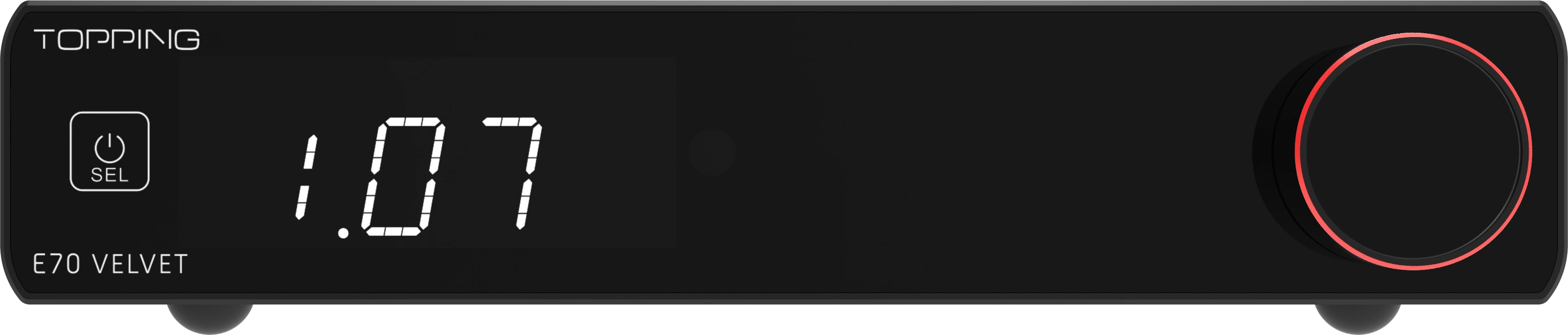
*The picture is only for reference.
3. Download
Windows: Download here (This update requires a Windows 10 or higher OS with driver installed. Drivers could be downloaded here).
MAC:Download here
4. How to update the firmware
Please refer to readme.txt in the firmware zip package
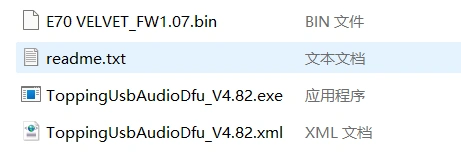
*The picture is only for reference.
5. Problems may be encountered
If the computer does not recognize the unit, try entering DFU mode by pressing and holding the knob while the unit is in standby mode. If this does not work, try using another USB port, another USB cable or even another computer.
6. What's updated
Fix some known issues.
If you have any questions about upgrading, please contact us before updating this firmware.


